 English
 Español
 日本語
日本語 Français
 Deutsch
 Tiếng Việt
 العربية
 Portugues
 lingua italiana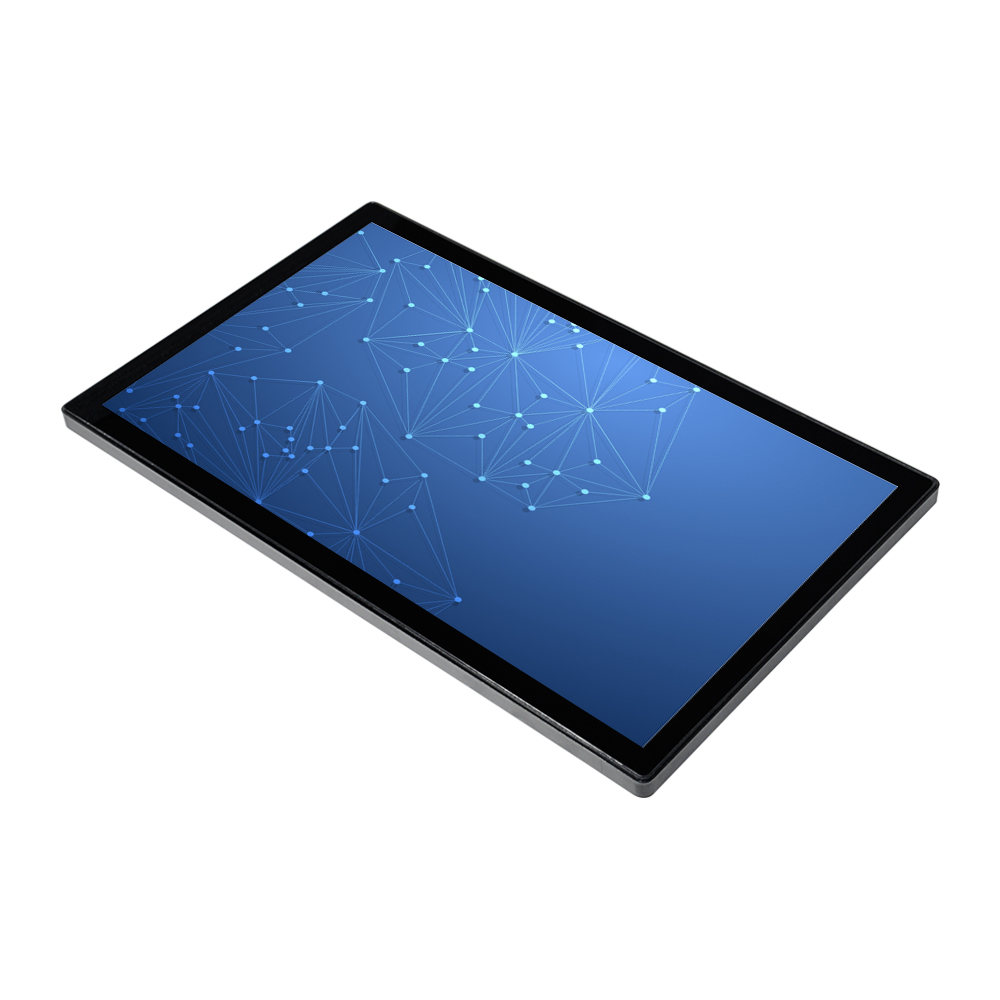
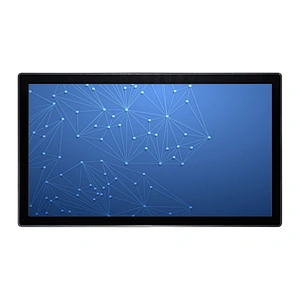
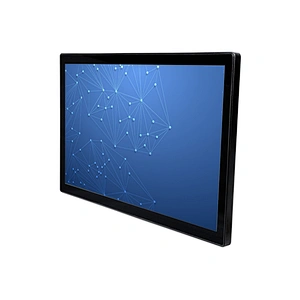
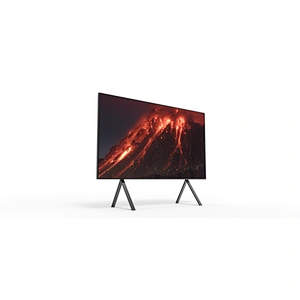
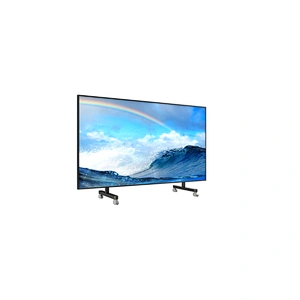
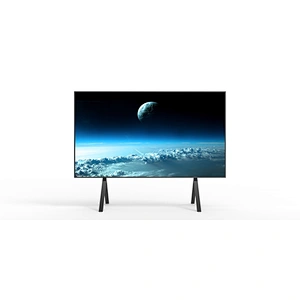
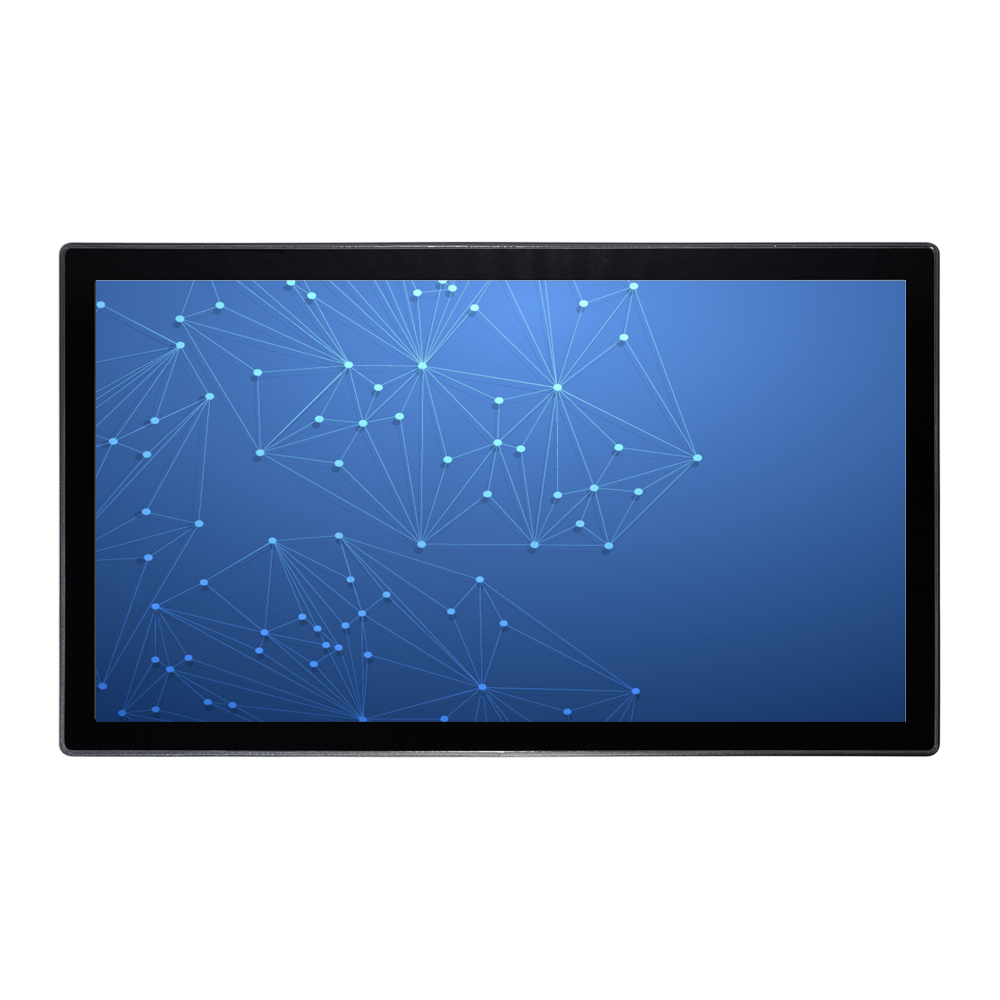
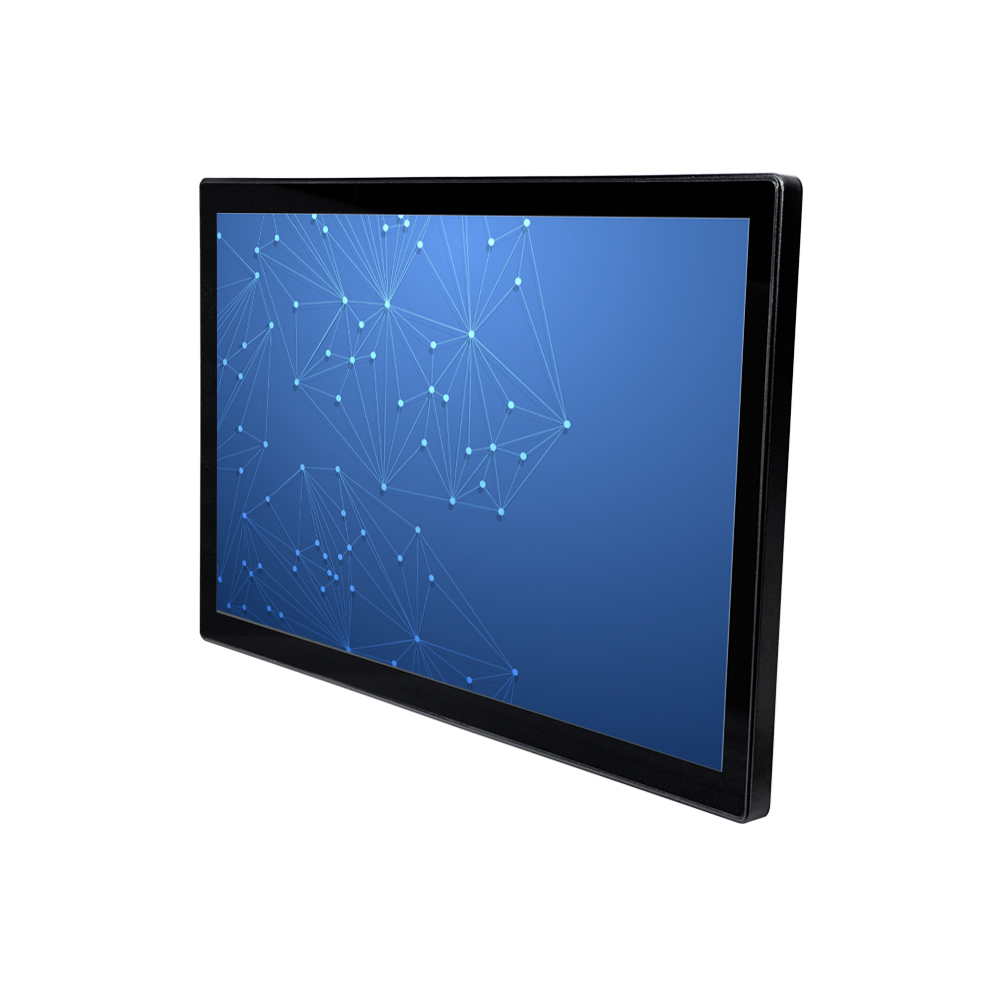
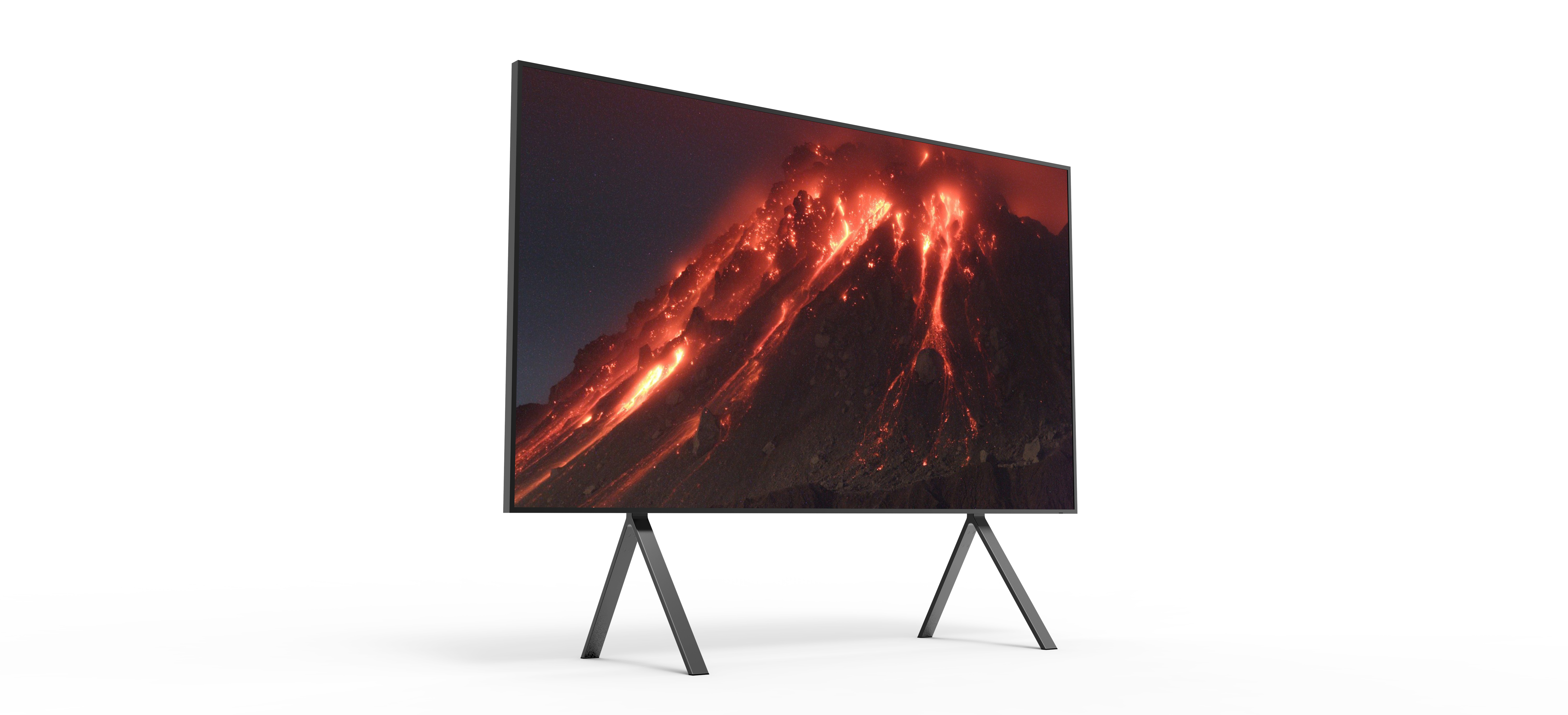
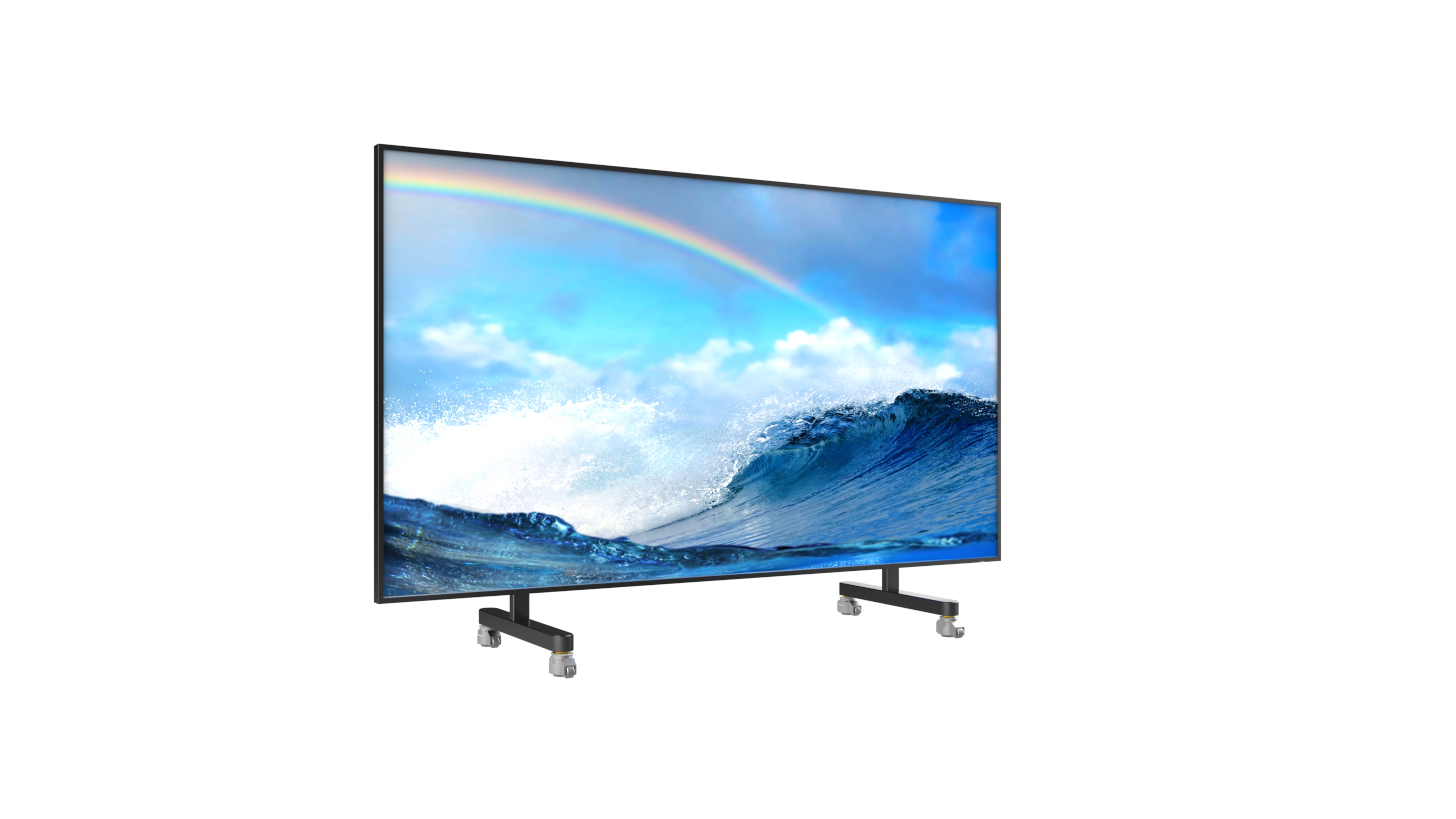
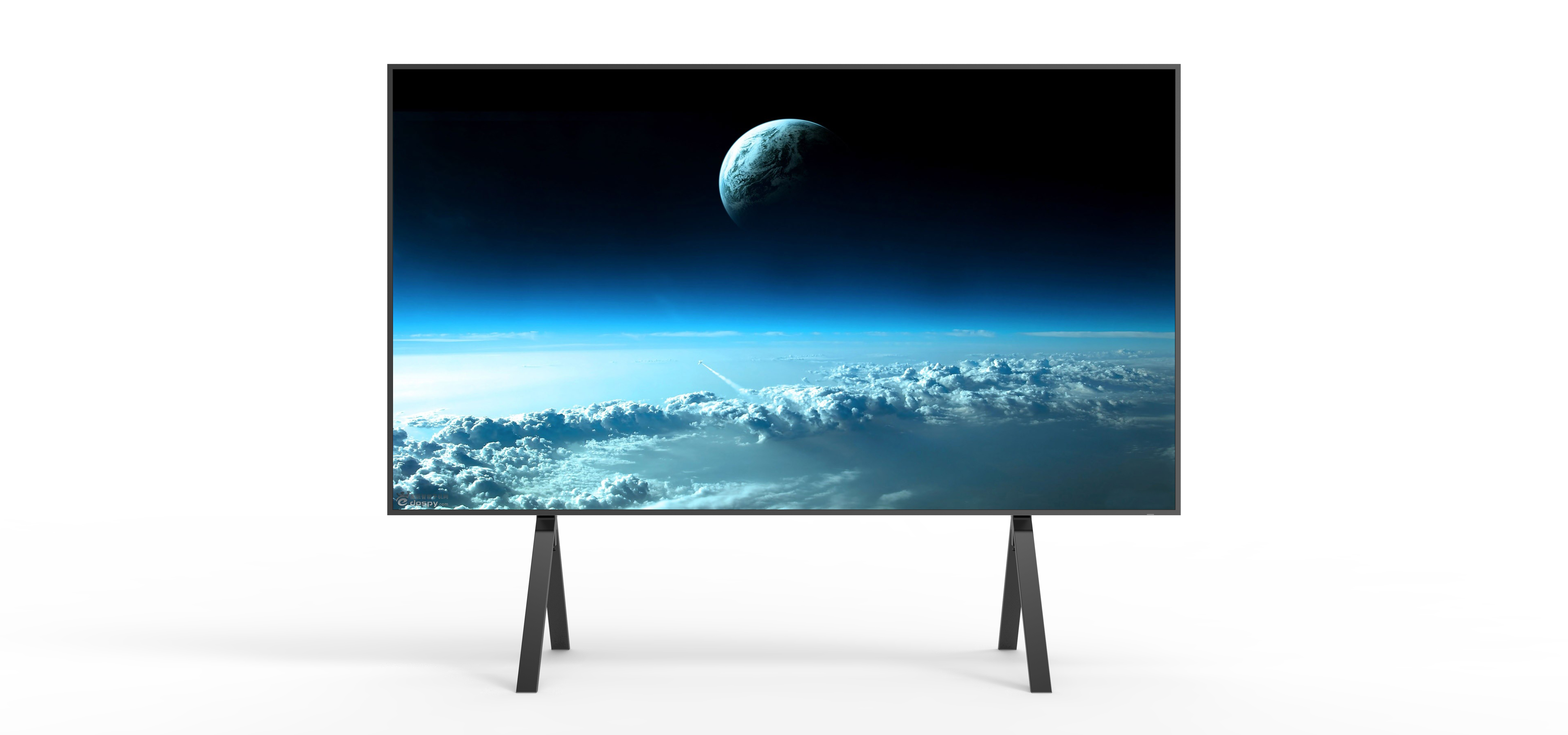
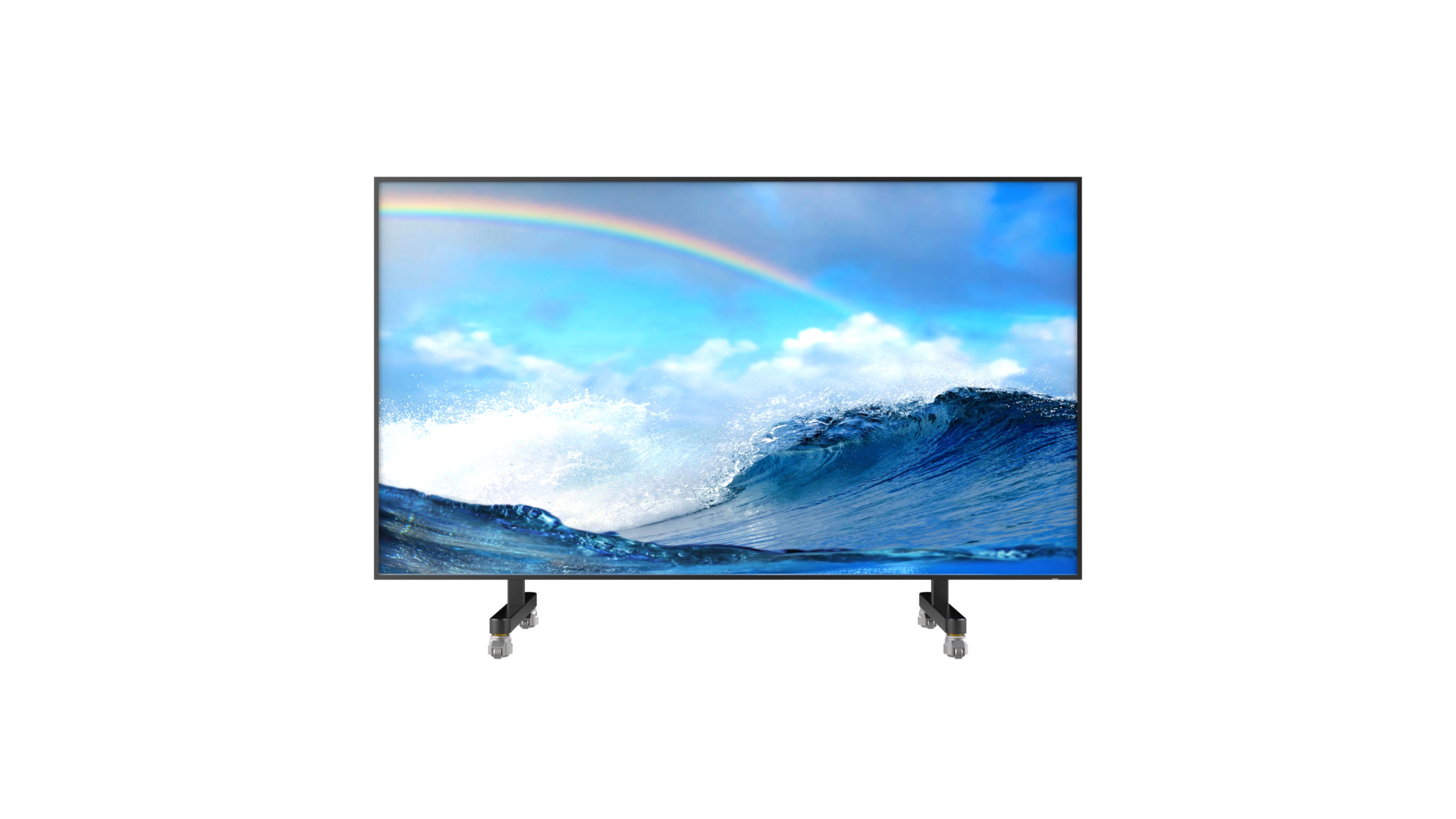
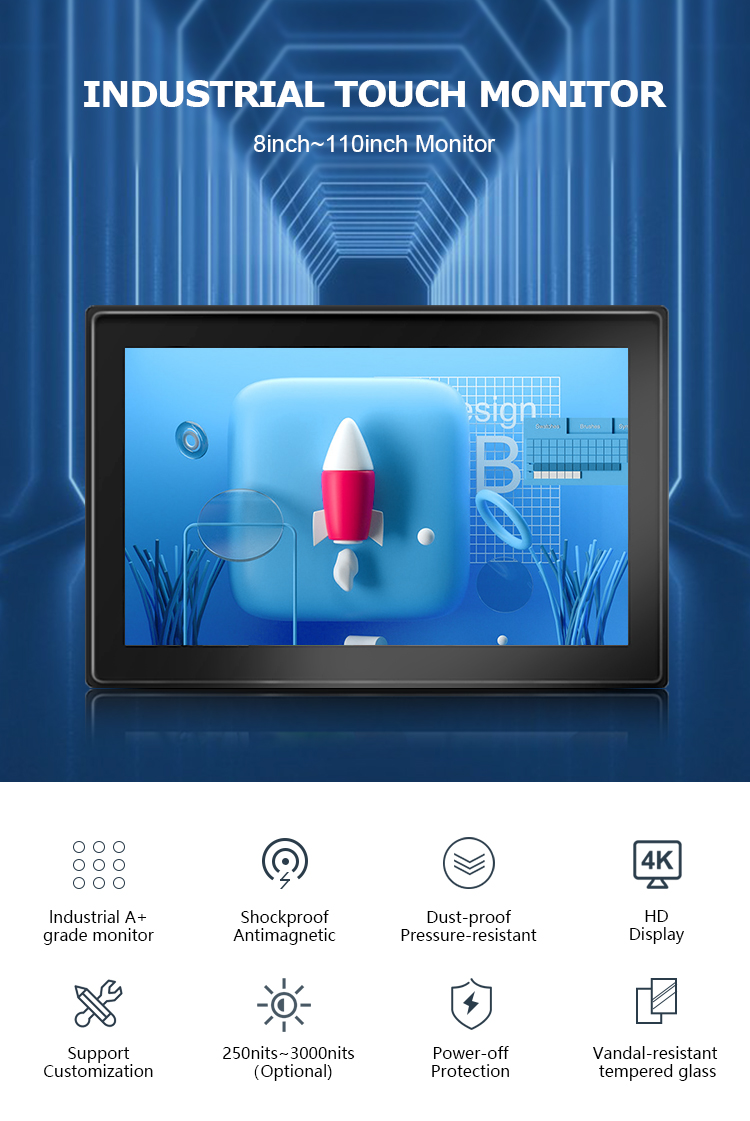
✔8inch~110inch Monitor
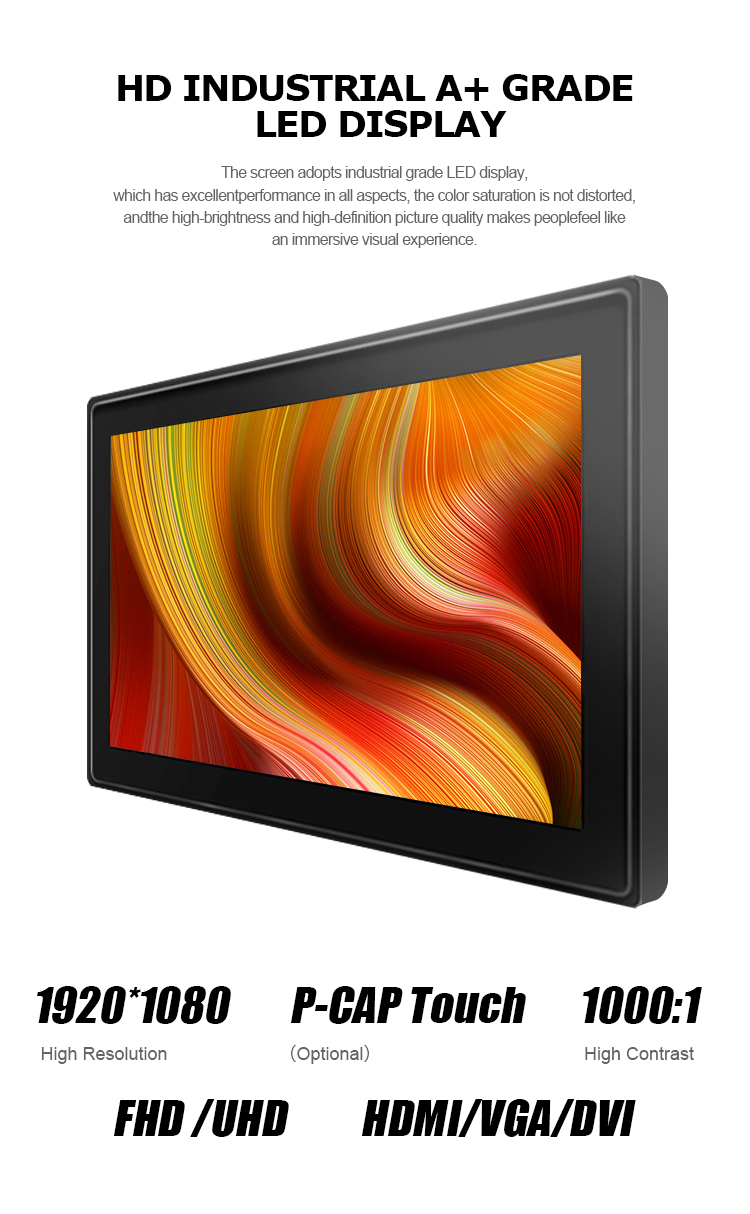
✔HDMI /DVI/DVI
✔Vandal-resistant tempered glass
✔IR touch/P-CAP touch(Optional)
✔Android system/windows system (Optional)
✔250nits~3000nits(Optional)
✔Embedded displays (Optional)
✔Open Frame (Optional)



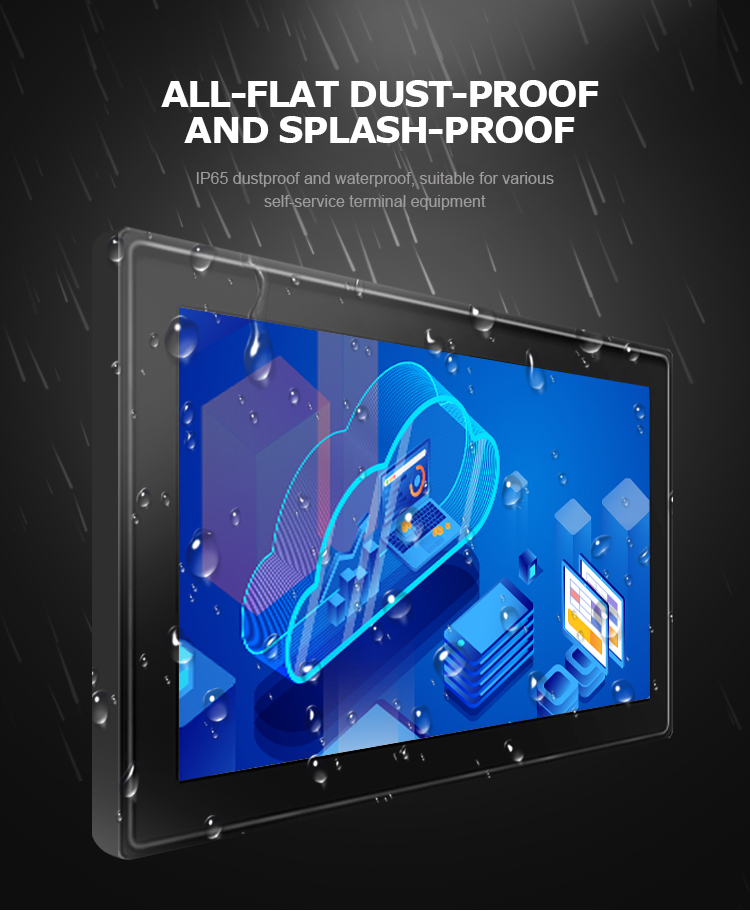
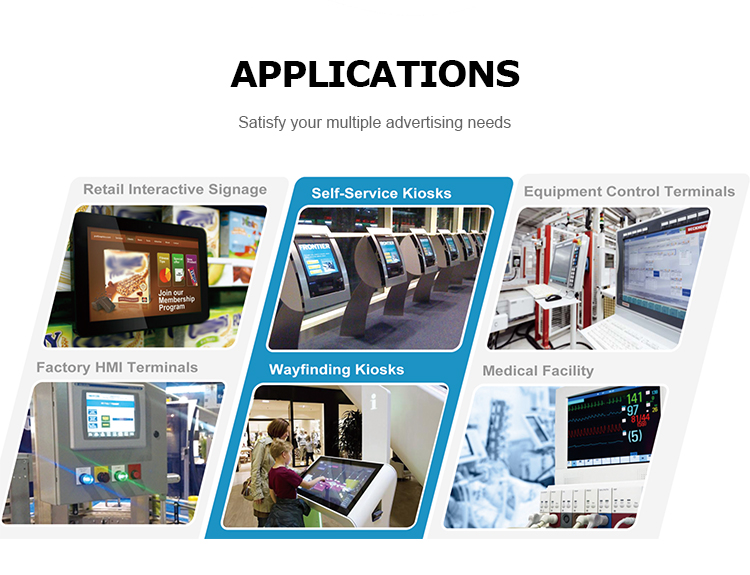


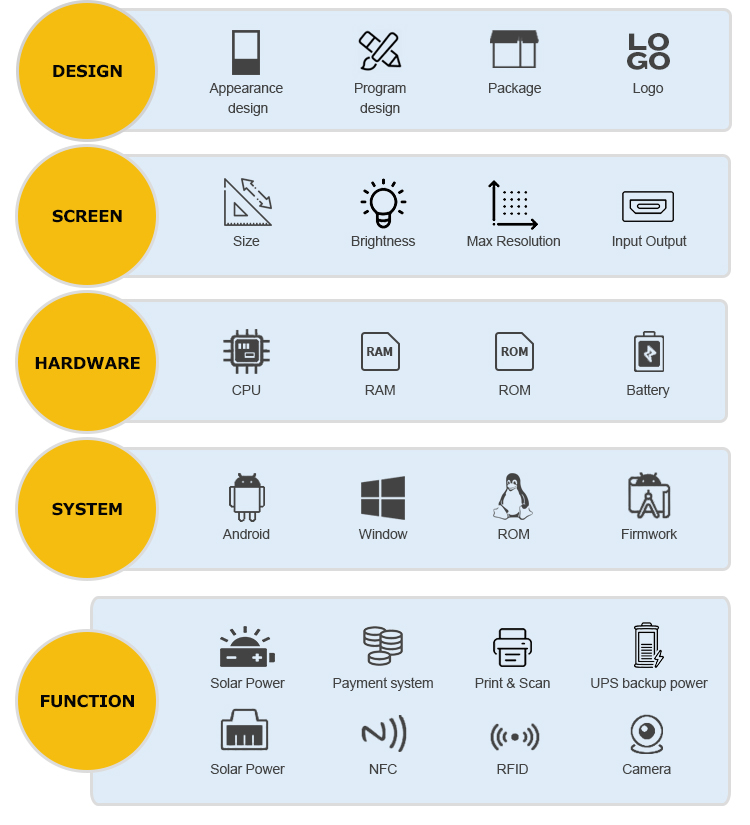
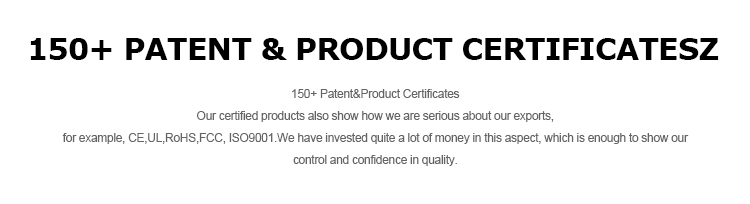
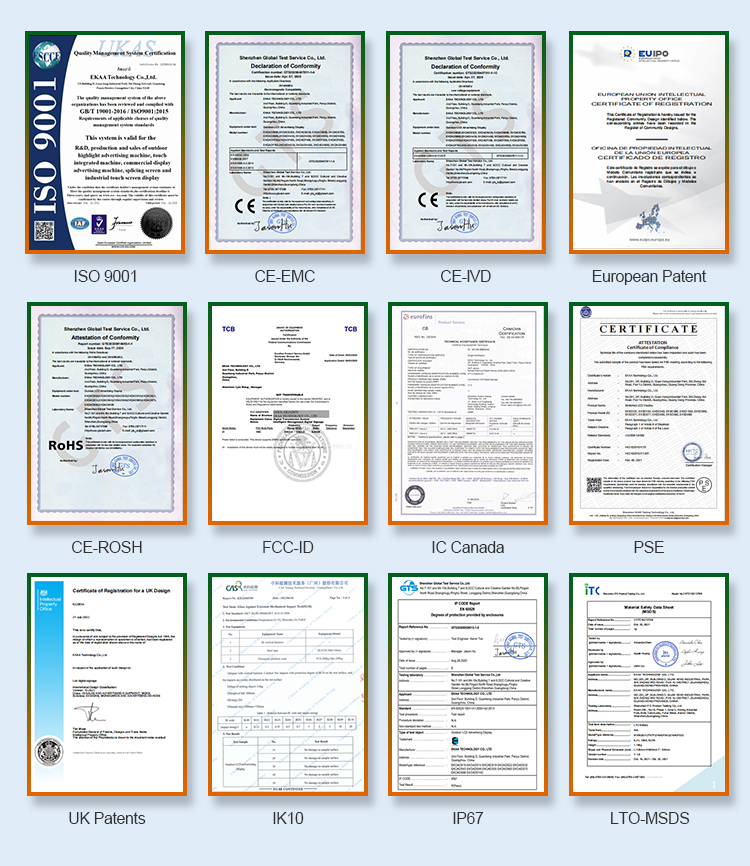





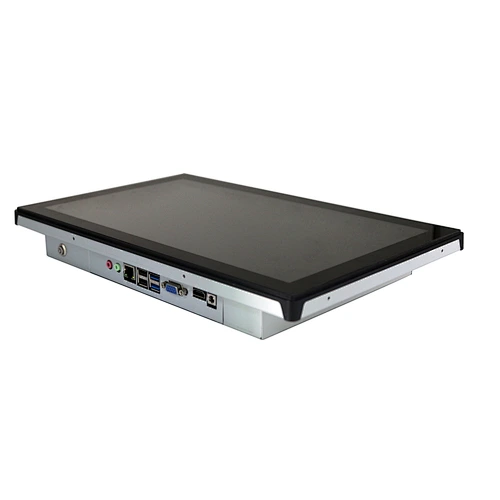
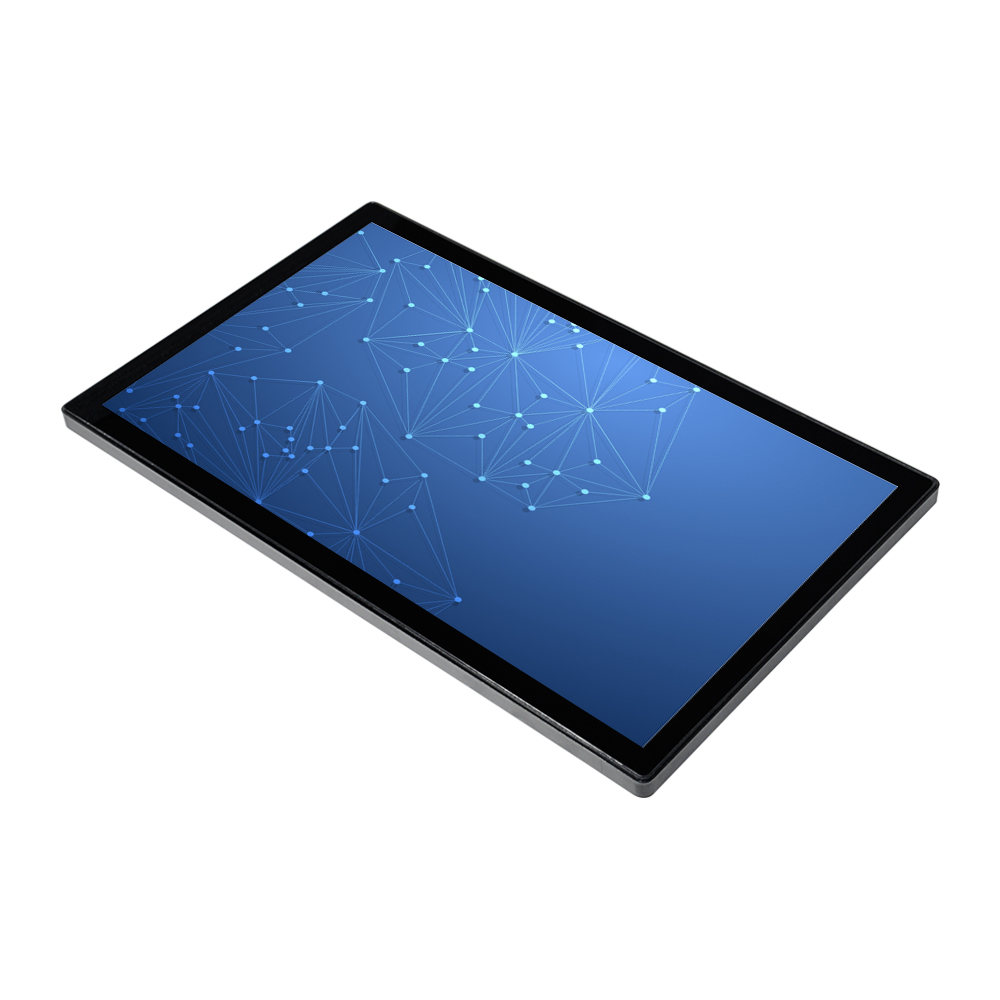
Touch monitor EKIADTM is part of the Commercial Touch Monitors range and supports commercial information, promotion and customer-facing communication. Select the final configuration for the actual site, content workflow and operating conditions. A successful EKIADTM deployment starts with a clear review of the installation environment. The project team should document the available space, viewing direction, expected audience distance, ambient light, mounting surface, access route, power source, signal path, network availability and daily operating schedule. If the display will be used outdoors or near an exposed entrance, the buyer should also confirm the required environmental protection, thermal strategy and maintenance access with EKAA. These details help align the enclosure, brightness target, mounting method and control approach with the real application rather than relying on assumptions. Content planning is equally important. Prepare sample layouts at the intended resolution and check headline size, contrast, image quality, language coverage and the time needed for a viewer to understand each message. A consistent template makes promotions, menus, wayfinding and service information easier to update. The content workflow should define who creates material, who approves it, how often it changes and whether local playback, scheduled publishing or remote management is preferred. Any required touch, audio, camera, sensor or payment workflow should be identified before production so that interfaces and software responsibilities can be reviewed. Before shipment, agree on drawings, approved appearance, input sources, accessories, packaging, labeling and acceptance criteria. Site photos, dimensioned plans and example content allow EKAA to check integration points and identify questions early. Installation teams should retain ventilation and service clearances, protect cables, verify grounding and follow the supplied instructions. After commissioning, confirm startup, signal stability, content playback, network access and scheduled operation. A practical maintenance plan should cover cleaning, inspection, software access, spare-part strategy and the contact path for technical support. This project-based process provides a more dependable result while keeping every performance claim tied to the configuration confirmed for EKIADTM.