EKAA TECHNOLOGY92821About Us330 E LAMBERT RD STE 108-A BREA, CA 92821EKAA TECHNOLOGY92821About Us330 E LAMBERT RD STE 108-A BREA, CA 92821EKAA TECHNOLOGYEKAA TECHNOLOGYEKAA TECHNOLOGYEKAA TECHNOLOGYEKAA TECHNOLOGYEKAA TECHNOLOGYEKAA TECHNOLOGYEKAA TECHNOLOGYEKAA TECHNOLOGYEKAA TECHNOLOGYEKAA TECHNOLOGYEKAA TECHNOLOGYEKAA TECHNOLOGYEKAA TECHNOLOGYEKAA TECHNOLOGYEKAA TECHNOLOGYEKAA TECHNOLOGYEKAA TECHNOLOGYEKAA TECHNOLOGYEKAA TECHNOLOGYEKAA TECHNOLOGYEKAA TECHNOLOGYEKAA TECHNOLOGYEKAA TECHNOLOGYEKAA TECHNOLOGYEKAA TECHNOLOGYEKAA TECHNOLOGYEKAA TECHNOLOGYEKAA TECHNOLOGYEKAA TECHNOLOGYEKAA TECHNOLOGYEKAA TECHNOLOGYEKAA TECHNOLOGYEKAA TECHNOLOGYEKAA TECHNOLOGYEKAA TECHNOLOGYEKAA TECHNOLOGYEKAA TECHNOLOGYEKAA TECHNOLOGYEKAA TECHNOLOGYEKAA TECHNOLOGYEKAA TECHNOLOGYEKAA TECHNOLOGYEKAA TECHNOLOGYEKAA TECHNOLOGYEKAA T

  1. Home
  2. Products
  3. Self-service Ordering/Payment Kiosk
  4. Self-service Ordering payment kiosk
Self-service Ordering payment kiosk

Self-service Ordering payment kiosk

Model:
EKSOPK2
Quantity

意思是是

La implantación de EKSOPK2 debe comenzar con una revisión clara del entorno de instalación. Conviene documentar el espacio disponible, la dirección de visualización, la distancia del público, la luz ambiental, la superficie de montaje, la ruta de acceso, la alimentación, la señal, la red y el horario diario. Si la pantalla estará en exterior o cerca de una entrada expuesta, también deben confirmarse con EKAA la protección ambiental, la gestión térmica y el acceso de mantenimiento. Así se pueden definir carcasa, brillo, montaje y control a partir de condiciones reales. También es importante preparar el contenido a la resolución prevista y comprobar tamaño de titulares, contraste, calidad de imagen, idiomas y tiempo de lectura. Una plantilla coherente facilita actualizar promociones, menús, orientación e información de servicio. El flujo de trabajo debe indicar quién crea, aprueba y publica el material, con qué frecuencia cambia y si se prefiere reproducción local, programación o gestión remota. Cualquier función táctil, de audio, cámara, sensor o pago debe identificarse antes de fabricar. Antes del envío se deben acordar planos, aspecto aprobado, fuentes de entrada, accesorios, embalaje, etiquetado y criterios de aceptación. Fotografías del sitio, planos acotados y ejemplos de contenido ayudan a EKAA a revisar la integración. Durante la instalación deben conservarse los espacios de ventilación y servicio, protegerse los cables y verificarse la puesta a tierra. Tras la puesta en marcha, compruebe arranque, estabilidad de señal, reproducción, red y programación. El mantenimiento debe incluir limpieza, inspección, acceso al software, repuestos y soporte técnico, siempre según la configuración confirmada para EKSOPK2.

A successful EKSOPK2 deployment starts with a clear review of the installation environment. The project team should document the available space, viewing direction, expected audience distance, ambient light, mounting surface, access route, power source, signal path, network availability and daily operating schedule. If the display will be used outdoors or near an exposed entrance, the buyer should also confirm the required environmental protection, thermal strategy and maintenance access with EKAA. These details help align the enclosure, brightness target, mounting method and control approach with the real application rather than relying on assumptions. Content planning is equally important. Prepare sample layouts at the intended resolution and check headline size, contrast, image quality, language coverage and the time needed for a viewer to understand each message. A consistent template makes promotions, menus, wayfinding and service information easier to update. The content workflow should define who creates material, who approves it, how often it changes and whether local playback, scheduled publishing or remote management is preferred. Any required touch, audio, camera, sensor or payment workflow should be identified before production so that interfaces and software responsibilities can be reviewed. Before shipment, agree on drawings, approved appearance, input sources, accessories, packaging, labeling and acceptance criteria. Site photos, dimensioned plans and example content allow EKAA to check integration points and identify questions early. Installation teams should retain ventilation and service clearances, protect cables, verify grounding and follow the supplied instructions. After commissioning, confirm startup, signal stability, content playback, network access and scheduled operation. A practical maintenance plan should cover cleaning, inspection, software access, spare-part strategy and the contact path for technical support. This project-based process provides a more dependable result while keeping every performance claim tied to the configuration confirmed for EKSOPK2.
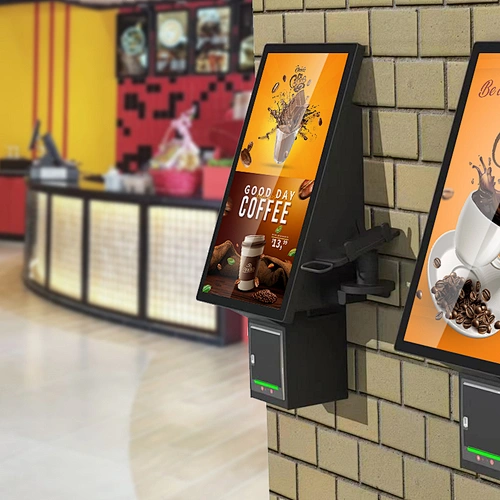
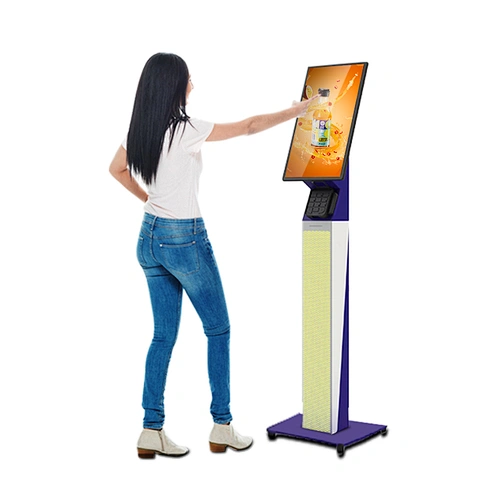


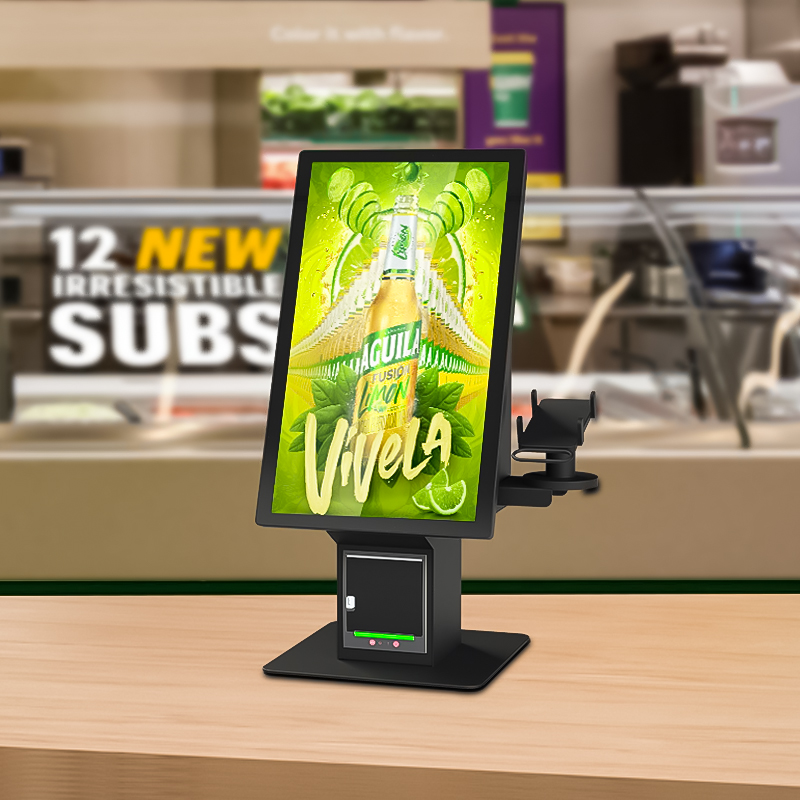
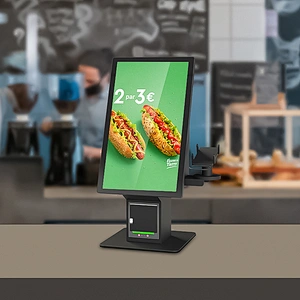
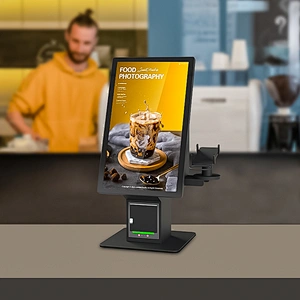
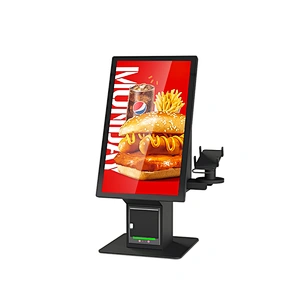
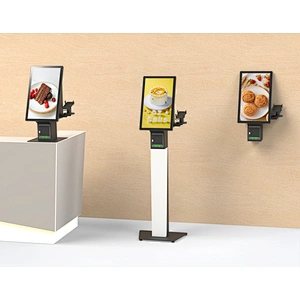
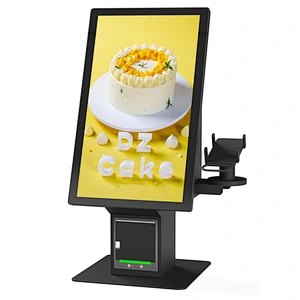
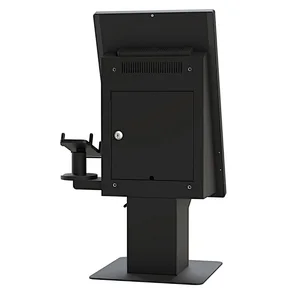
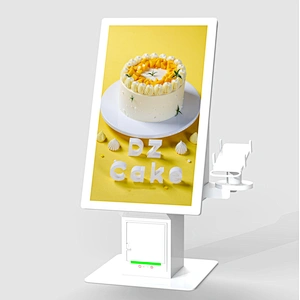
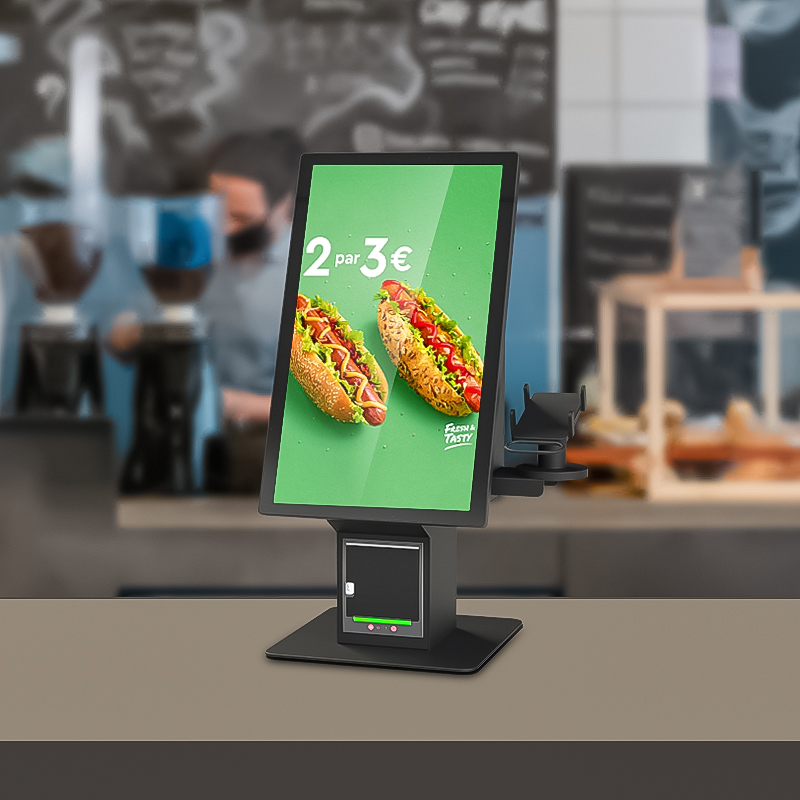
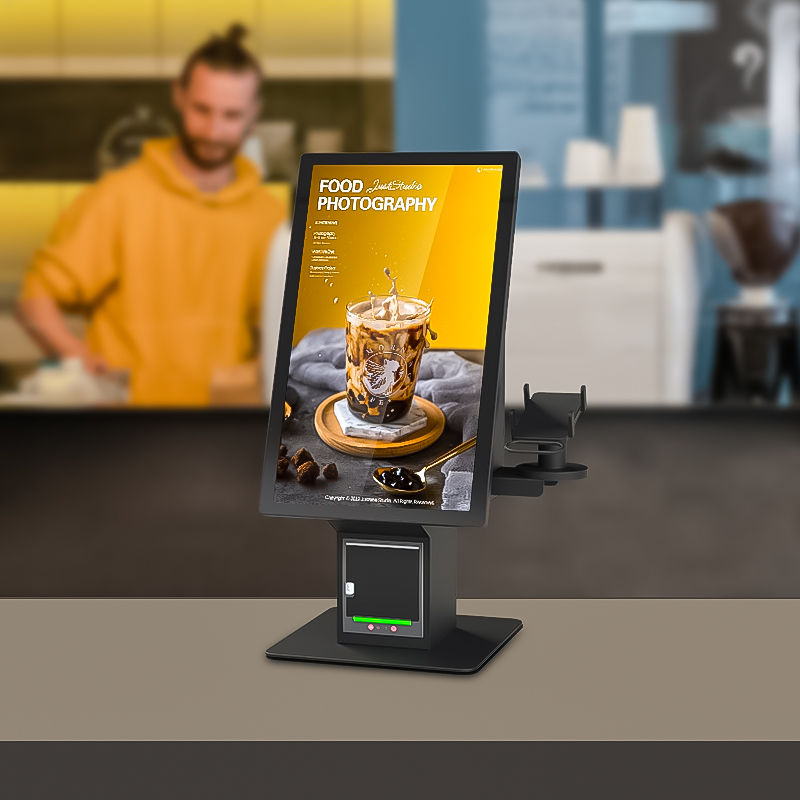
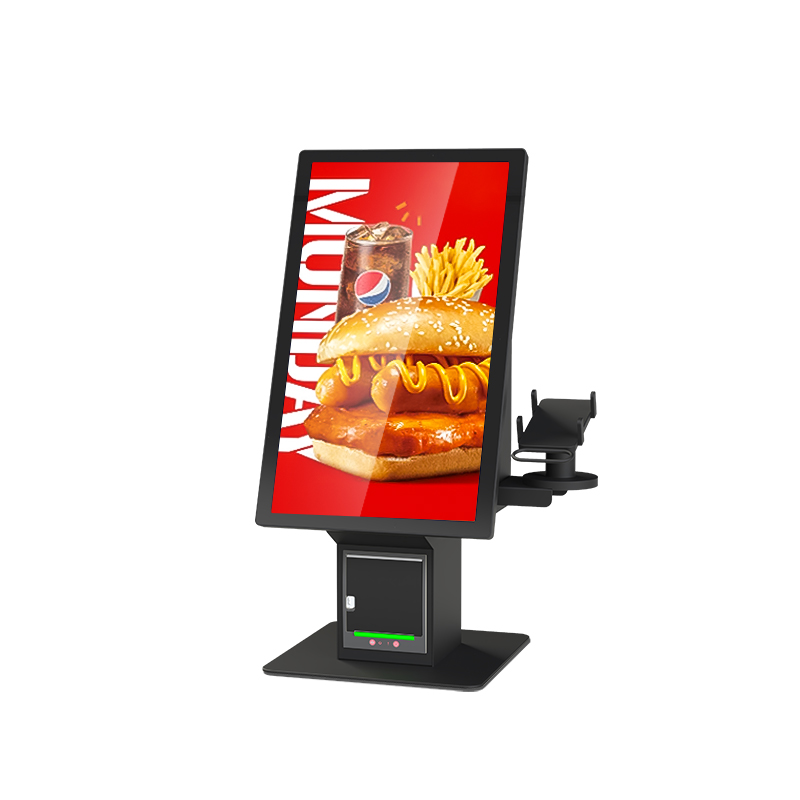
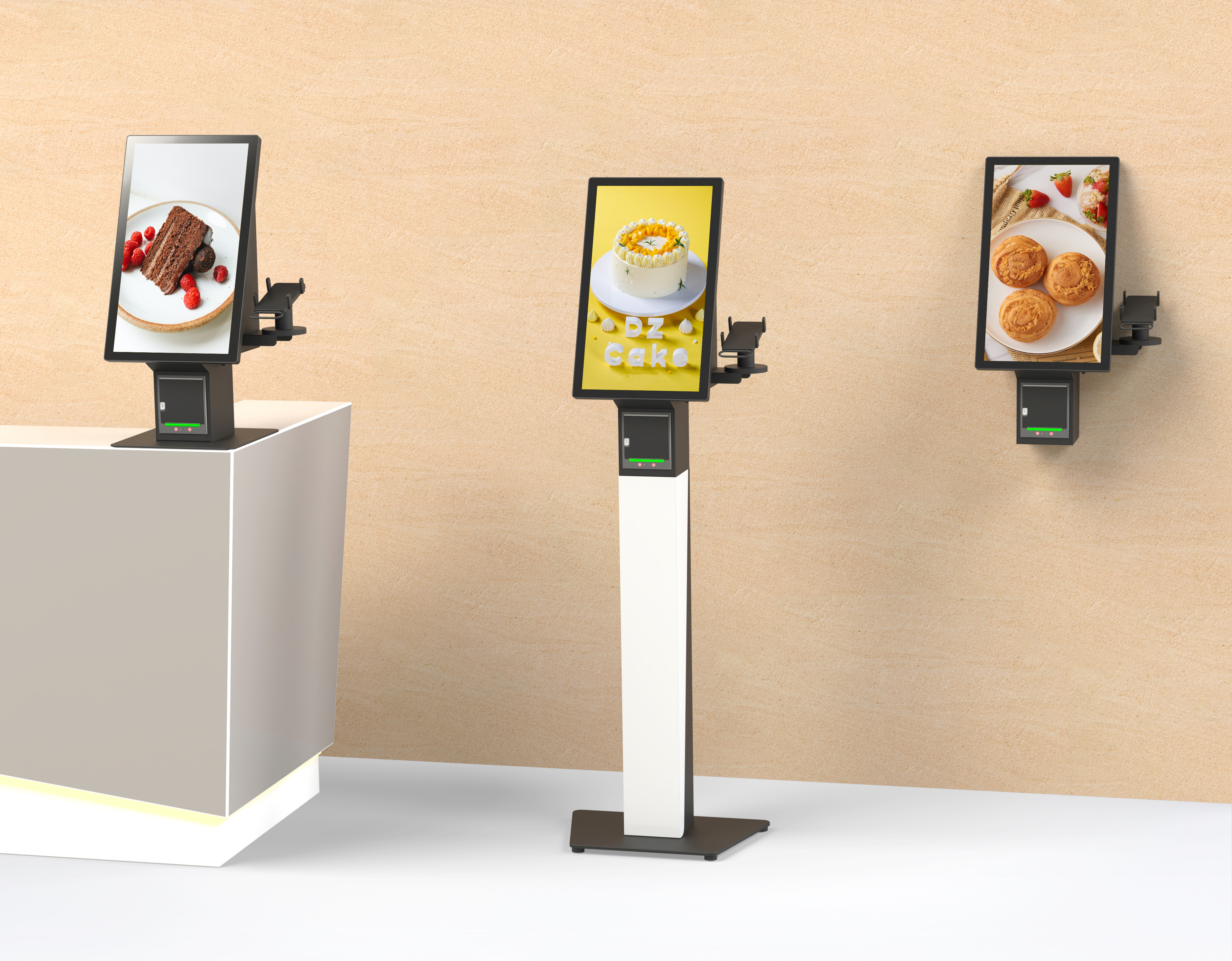
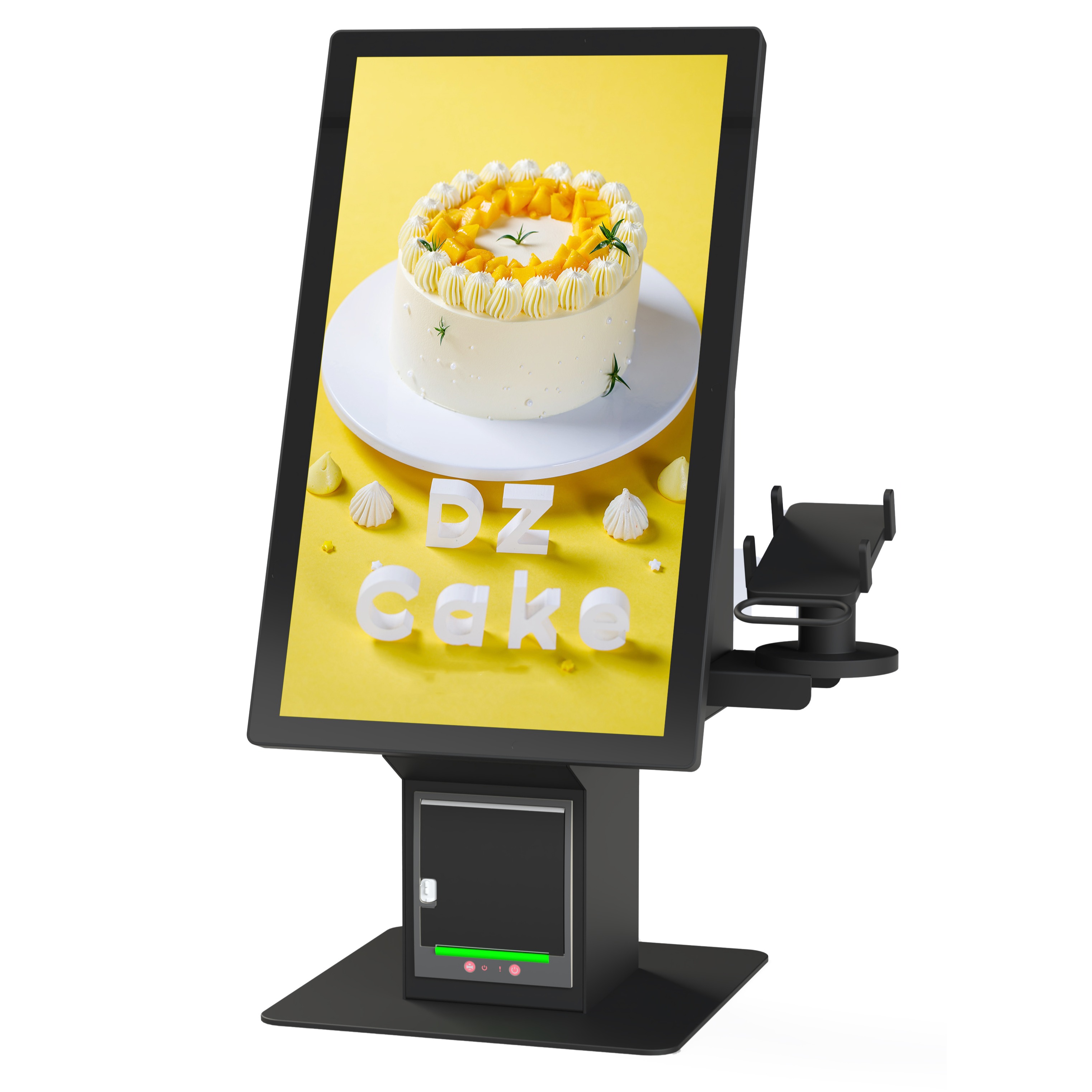
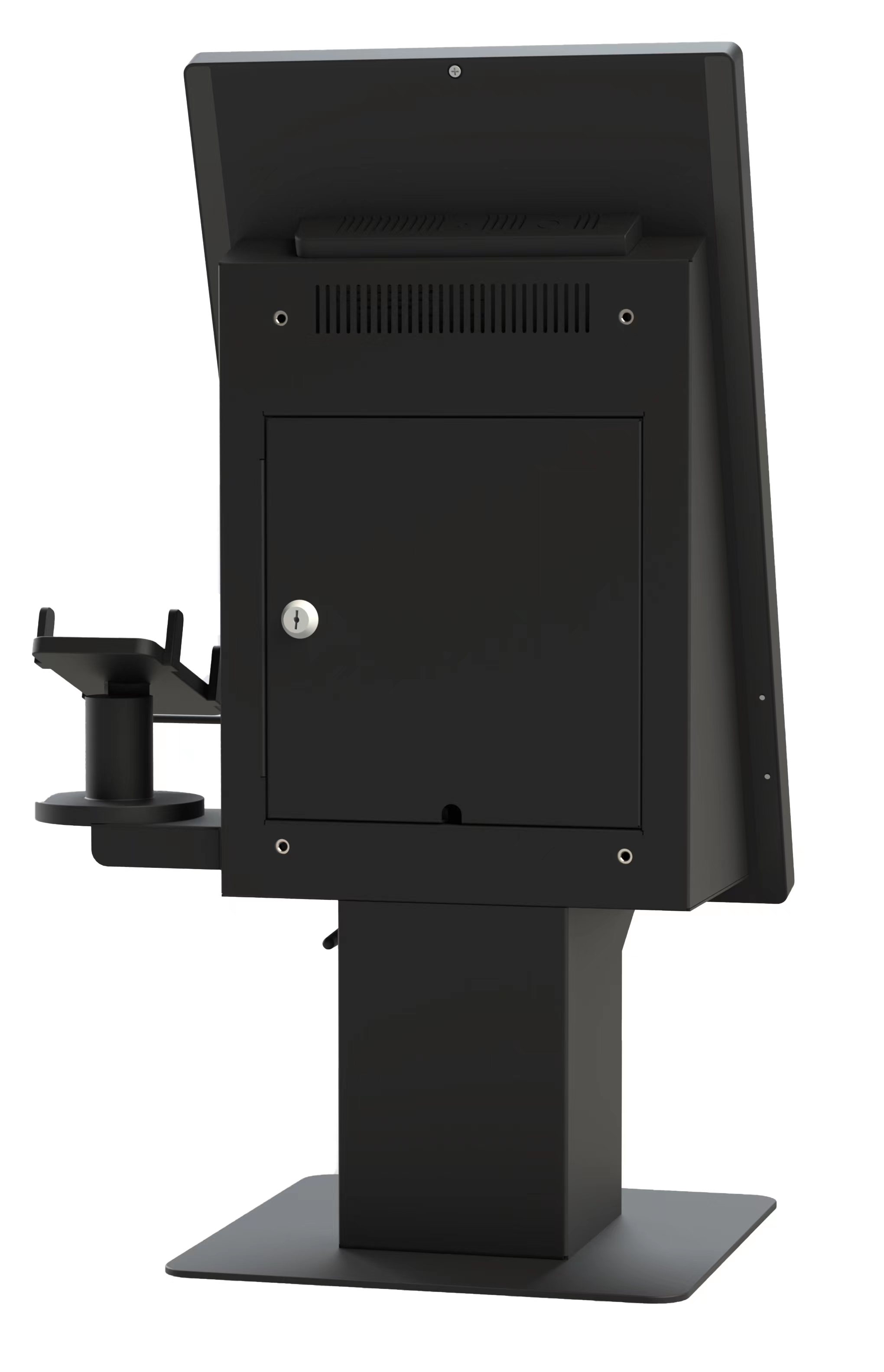
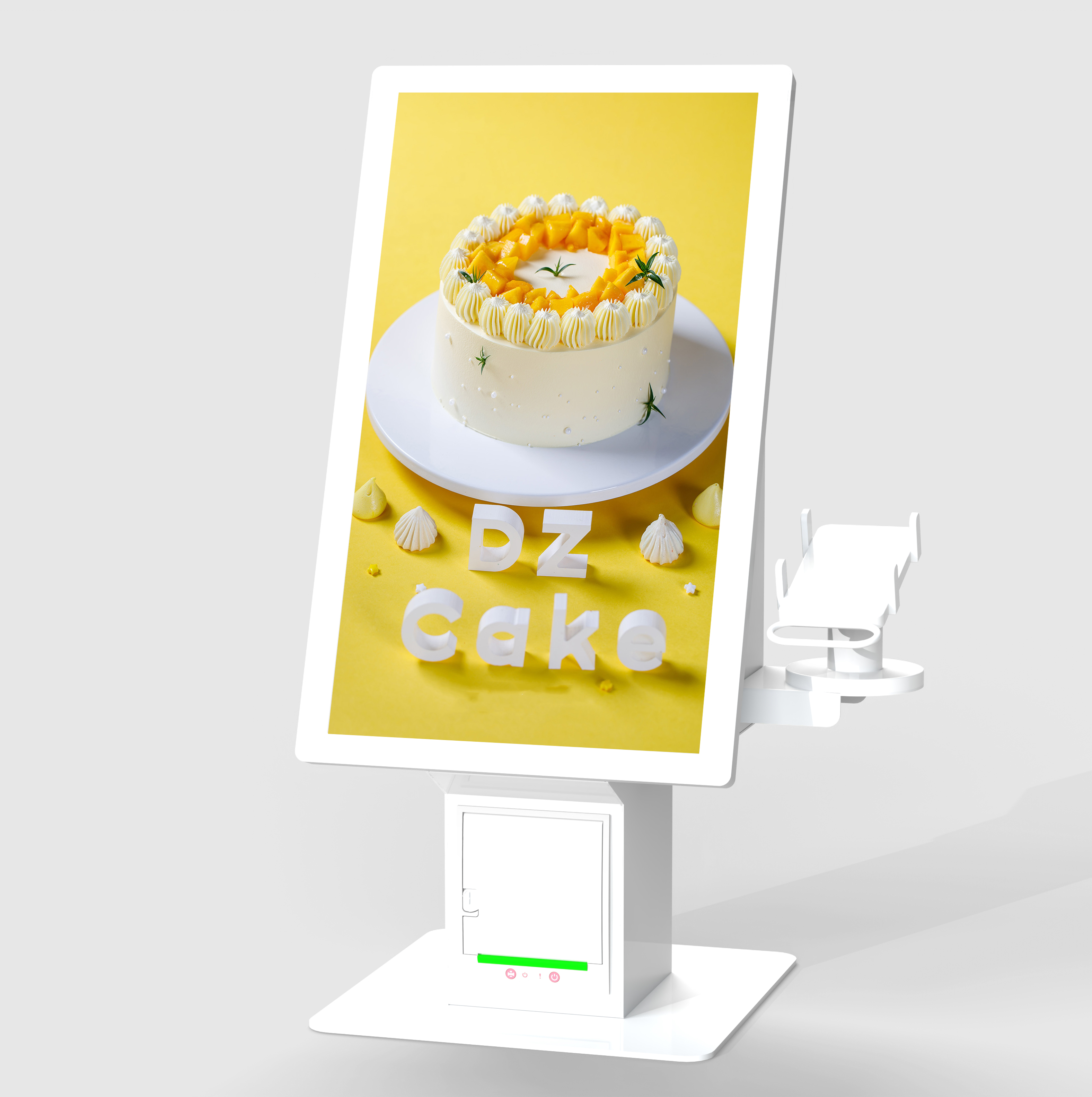
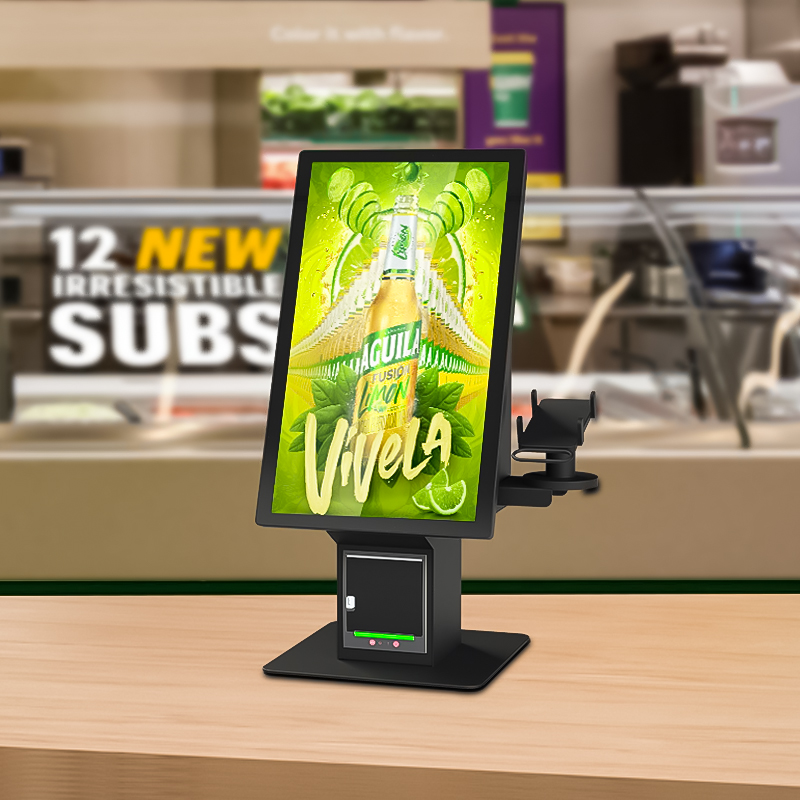
self-service ordering and payment kiosk is designed for restaurants, cafés, food courts and quick-service counters. It can support clear information, promotions and branded content in a format suited to the installation. Before production, buyers should confirm screen size, brightness, viewing distance, mounting, signal input, network or content workflow, power supply and operating environment with EKAA. Sharing drawings, content requirements and site conditions helps define a suitable display and integration approach without relying on unverified specifications.


Send Inquiry

*
*
*
Preview on Mobile
X
customer-service Customer Service
message Message
go top Top
Scan the QR code Close
qr code