
 English
 Español
 日本語
日本語 Français
 Deutsch
 Tiếng Việt
 العربية
 Portugues
 lingua italiana
Summary: Outdoor display brightness should be selected according to sunlight exposure, viewing distance, content type, auto-dimming, and thermal performance. This guide helps buyers avoid under-specifying or overpaying.
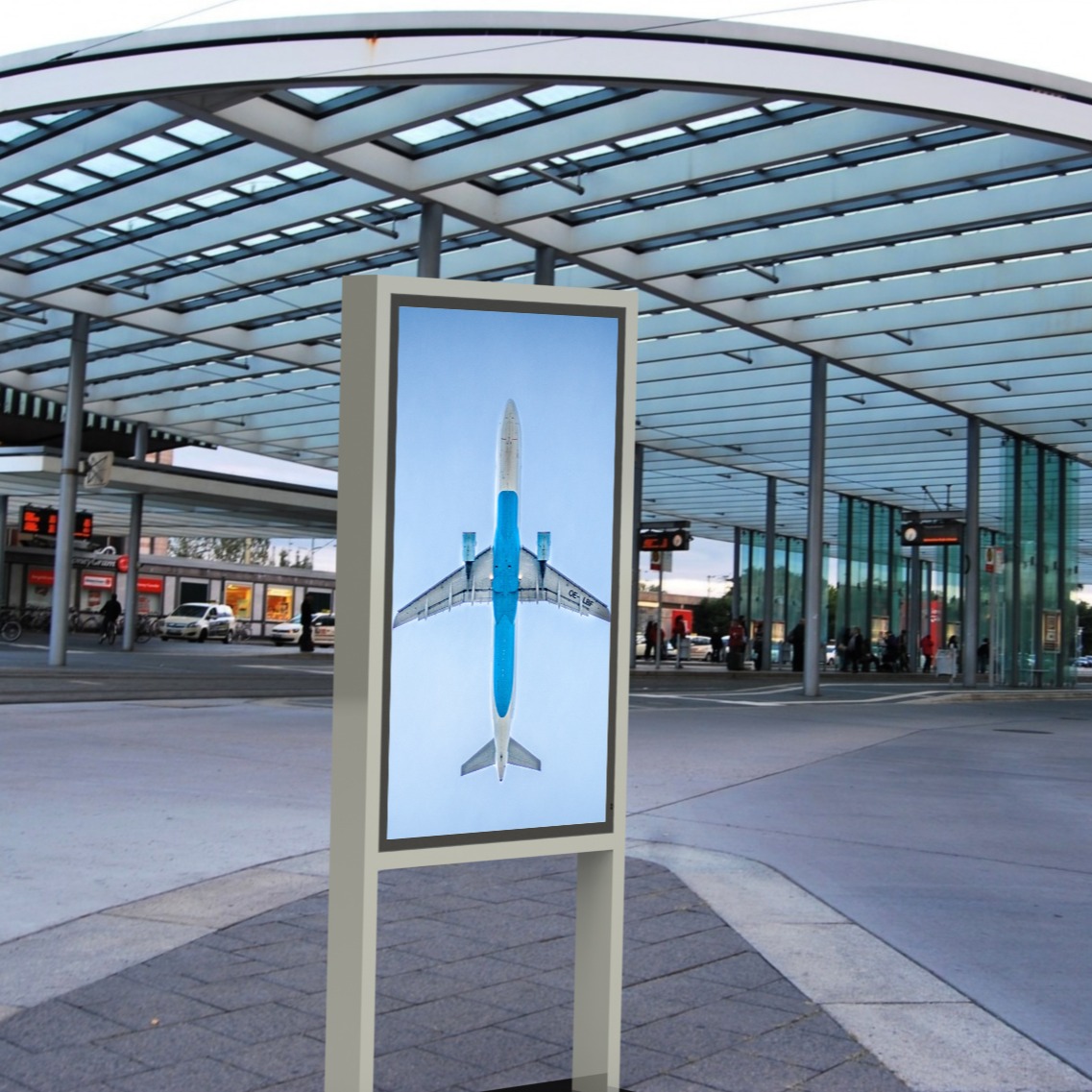
High-brightness outdoor LCD signage must remain readable in sunlight while keeping thermal performance stable.
One of the first questions buyers ask about outdoor digital signage is: how many nits do we need?
The answer depends on where the display is installed, how much sunlight it receives, what content it shows, and how readable it must be during the brightest part of the day. Choosing brightness by guesswork can create two problems. If brightness is too low, customers cannot read the screen. If brightness is much higher than necessary, the buyer may overpay for hardware, power, and thermal capacity.
This guide gives procurement teams a practical way to select outdoor display brightness.
What Are Nits?
Nits measure display luminance. In simple terms, a higher nit value means the screen can emit more visible light.
Outdoor digital signage needs higher brightness than indoor signage because it must compete with sunlight, reflections, and changing ambient light. A display that looks bright indoors can look washed out outside.
However, buyers should remember that not all brightness claims are measured the same way.
Ask suppliers:
- Is brightness measured at the panel or after the front glass?
- Is the value typical brightness or maximum brightness?
- Is brightness tested after thermal stabilization?
- Does the display maintain brightness in hot weather?
- Is auto-dimming included?
For procurement, finished-product readability matters more than a large number in a quotation.
Practical Brightness Guide
| Installation Condition | Typical Brightness Guidance |
|---|---|
| Indoor digital signage | 350 to 700 nits may be enough depending on lighting. |
| Bright indoor or window-adjacent display | 1,000 to 2,000 nits may be required. |
| Window-facing display | 2,500 nits or more is often needed because of reflection. |
| Outdoor shaded area | Around 1,500 to 2,500 nits may work depending on site conditions. |
| Outdoor partial sun | Around 2,500 nits is often a practical starting point. |
| Direct sunlight outdoor display | 4,000 nits class brightness is usually recommended. |
| Extreme sun or reflective surroundings | 4,000 nits plus anti-reflective glass and strong thermal design should be evaluated. |
These ranges are guidelines, not universal rules. The final specification should be based on the site.
Why Direct Sunlight Needs More Brightness
Sunlight creates two challenges:
- It increases ambient light around the display.
- It creates reflection on the front glass.
If the display cannot overcome these conditions, the content becomes difficult to read. This is especially risky for QSR drive-thru menu boards, outdoor advertising displays, gas station signs, transit displays, and wayfinding kiosks.
For direct sunlight applications, 4,000 nits class outdoor LCD displays are often selected to maintain visibility during bright daytime conditions.
Do Not Use Brightness Alone to Solve Readability
Brightness is important, but it is not the only factor.
Readability also depends on:
- Contrast ratio.
- Anti-reflective or anti-glare glass.
- Font size.
- Color contrast.
- Viewing distance.
- Screen angle.
- Content layout.
- Whether the viewer is walking, driving, or standing still.
A poorly designed menu board with small text may still be hard to read even if the display is bright. Buyers should evaluate the screen, content, and viewing environment together.
Auto-Dimming Is Essential
Outdoor displays should not run at maximum brightness all day and all night.
Ambient-light auto-dimming allows the display to increase brightness during daylight and reduce brightness at night. This helps:
- Improve daytime readability.
- Reduce glare at night.
- Save energy.
- Lower thermal stress.
- Improve customer comfort.
Procurement teams should ask whether the brightness curve can be configured and whether remote brightness control is supported.
Brightness Creates Heat
Higher brightness usually means more backlight power and more heat. In an outdoor enclosure, heat must be controlled carefully.
Ask suppliers:
- What is the operating temperature range at full brightness?
- Is the cooling system fanless or fan-cooled?
- Does the display reduce brightness automatically under high temperature?
- Has the complete product been tested in hot outdoor conditions?
- What is the expected power consumption at operating brightness?
A display that reaches high brightness in a laboratory may not maintain stable brightness in a hot outdoor installation.
High-brightness performance depends on thermal control as well as panel output. EKAA combines fanless outdoor display architecture and IP67 protection across its outdoor digital signage and QSR drive-thru solutions.
Site Checklist Before Choosing Nits
Before confirming brightness, answer these questions:
| Question | Buyer Notes |
|---|---|
| Does the display face direct sun? | |
| What time of day is sunlight strongest? | |
| Is the display behind glass? | |
| What is the viewing distance? | |
| Will viewers be walking, driving, or standing still? | |
| Does the content include small text or prices? | |
| Is nighttime glare a concern? | |
| Is auto-dimming included? | |
| Can the supplier prove finished-product brightness? | |
| Can the thermal design support the brightness level? |
For multi-location projects, classify sites into different brightness groups instead of buying the same specification for every location.
Procurement Takeaway
Outdoor digital signage does not have one universal nit requirement. Shaded outdoor areas may work with lower brightness, while direct sunlight often requires 4,000 nits class displays. Window-facing displays, partial sun, reflective environments, and small-text content all increase brightness requirements.
The right question is not "What is the highest brightness available?" The better question is "What brightness will remain readable at this site, under this sunlight, with this content, for the full operating schedule?"
A good supplier should help buyers answer that question with finished-product specifications, auto-dimming, thermal design, and installation guidance.
Related EKAA Resources
For outdoor projects that require both sunlight readability and reliable thermal design, review EKAA Fanless Outdoor Digital Signage and IP67 Outdoor Digital Signage.
Explore the full Outdoor Digital Signage range, QSR Drive-Thru Menu Boards, Outdoor Wall Mounted Displays, Outdoor Floor Standing Displays, and EKAA Case Studies to compare products and applications.


